
UPS backup solutions for CCTV cameras are no longer optional. They are an essential requirement for any reliable security setup that is reliable. If you manage a home security system in Gurgaon, power cuts or voltage swings can shut your CCTV system down in seconds.
If you manage a large commercial setup in Delhi NCR, power cuts or voltage swings can shut your CCTV system down in seconds. Without an UPS, cameras cease recording, and DVRs could stop working without warning. Your home could be left insecure. Shaktivault Technologies offers expert guidance and low-cost UPS solutions. This allows your CCTV system to operate continuously and without interruption.
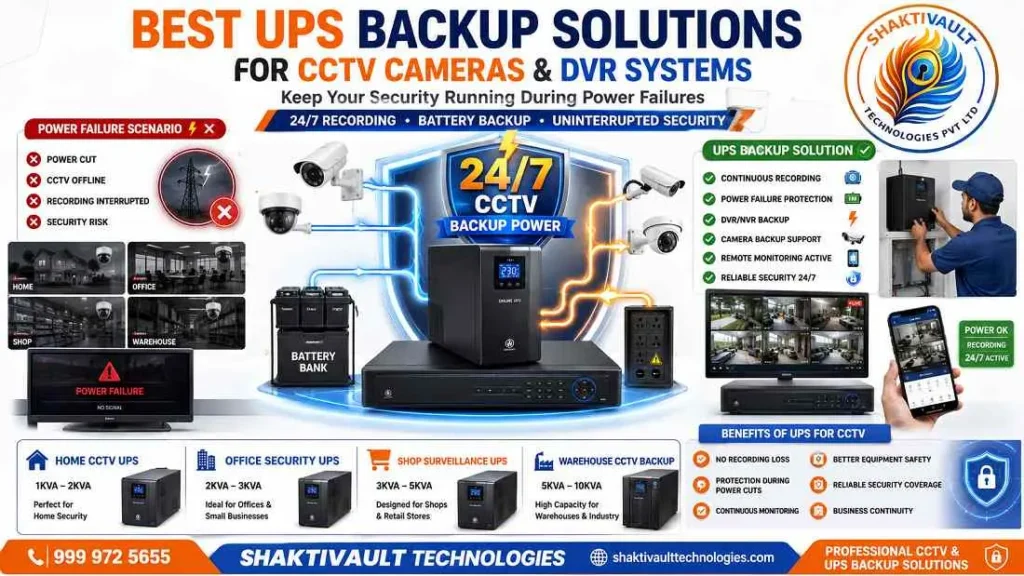
Why UPS Backup is Essential for CCTV Cameras and DVR Systems
An unexpected power interruption can do more than turn the lights off. If you have a CCTV device, an outage can cause blind spots. It can stop recordings and expose your property to danger. If you do not have a backup battery, you will lose crucial footage that might be required as evidence. Many insurance companies and compliance standards strongly recommend backup power for surveillance systems.
Prevent Recording Interruptions During Power Cuts
When mains power fails, a UPS bridges the gap at once. It keeps cameras, DVRs, and NVRs running without missing a frame. The most common concern for any CCTV owner is losing the ability to record during a power outage. A UPS removes this risk by keeping all connected surveillance devices online during the interruption.
Protect CCTV Equipment from Voltage Fluctuations
Voltage spikes, brownouts, and surges are equally damaging to sensitive CCTV electronics. A UPS with dynamic line conditioning protects against surges and spikes. It helps prevent DVR/NVR corruption. It also reduces the risk of disk errors and hardware failure. In places like Gurgaon and Delhi NCR, power quality can change. This protection is essential.
How a UPS Works with CCTV Cameras and DVR
A UPS is a battery-backed power system. It sits between your mains supply and your CCTV equipment. It charges its internal battery while mains power is available. It switches to battery power when the mains supply fails.
Power Backup for Cameras, DVR and NVR
To keep a CCTV system running during a power loss, connect all cameras, PoE switches, and the DVR or NVR to the UPS. Simply plugging in the DVR is not enough. The cameras also need backup power. This lets them keep sending footage to the recorder. Connect all devices to the UPS battery-backup outlets, not the surge-only outlets.
Automatic Switching During Power Failure
When power fails, the UPS switches to battery automatically — no manual action required. Most security NVRs and DVRs restart when power returns. They continue running, so you do not need to reconfigure anything after an outage. Look for a UPS with automatic reset capability for the smoothest recovery.
Types of UPS for CCTV Security Systems
Not all UPS systems offer the same level of protection. There are three main topologies: offline, line-interactive, and online. The right choice depends on your installation size and power environment.
Offline UPS vs Line-Interactive UPS
An offline (standby) UPS powers your load from mains and switches to battery only if power fails. The transfer gap is 2–10 milliseconds. It is cost-effective for basic home CCTV setups. A line-interactive UPS is more advanced. It has an automatic voltage regulator (AVR). The AVR corrects moderate voltage swings without using the battery. This makes it ideal for CCTV systems in areas with frequent fluctuations. The line-interactive UPS switches to battery in 2–4 milliseconds. It is widely recommended for residential and small business CCTV installs.
Online UPS for Commercial CCTV Installations
An online (double-conversion) UPS converts incoming AC to DC, then back to AC. This fully isolates connected equipment from mains problems. The transfer time is effectively zero. This topology provides the best power quality. It works well for large commercial or industrial CCTV systems. It supports many cameras, rack-mounted NVRs, and PoE switches. While more expensive, it offers maximum uptime and protection.
Key Features to Consider Before Buying a CCTV UPS
Choosing a UPS for your CCTV system needs more than picking the cheapest model. These key features will determine whether your system stays protected when it matters most.
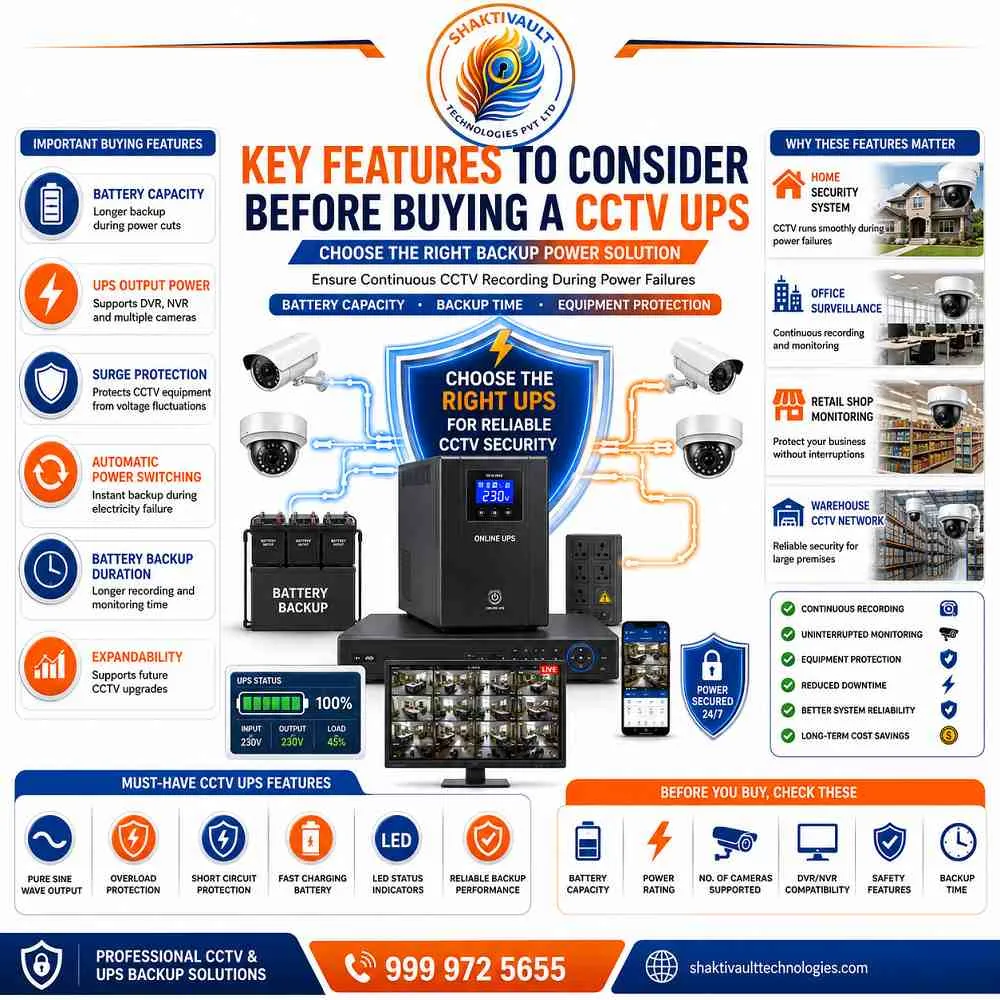
Battery Capacity and Backup Time
Battery capacity is measured in VA (volt-amperes). It shows how long your system can run on backup power. A 600VA UPS is usually enough for a 4-camera setup.
Larger systems often need a 1000VA UPS or higher. Most businesses need at least 15–20 minutes of backup to maintain recording during short outages or allow for a safe, controlled shutdown. For longer backup requirements, choose a UPS that supports external battery packs.
Load Capacity, Surge Protection and Efficiency
Always add the total wattage for all connected devices like cameras, DVR/NVR, as well as PoE switches. Pick a UPS with a rating higher than that amount. You should look for surge protection that is built in. It helps guard against voltage spikes, lightning strikes, and electrical surges. Advanced models can cut UPS power use by up to 75% compared to standard models. They utilize intelligent power management circuits, which makes them more efficient over time.
How to Choose the Right UPS for Your CCTV System
Selecting the correct UPS size is not guesswork. Start by listing all connected devices and their individual power ratings. Add up the total wattage. Then choose a UPS with a capacity above that total, usually by 20–25%.
UPS Selection Based on Number of Cameras
For a 4-camera system, a 600VA UPS is generally sufficient. An 8-camera system typically needs a 1000VA unit.
A 16-camera system benefits from a dedicated 1500VA UPS for the DVR/NVR.
Use additional smaller UPS units to power camera groups or PoE switches. Always check the power draw of your camera models before you finalise your UPS size.
Home, Office and Industrial CCTV Requirements
Home users with 4 to 8 CCTV cameras do best with a compact offline or line-interactive UPS. It is easy to install and maintain. Small offices benefit from a line-interactive model with AVR for added voltage regulation. Industrial and large commercial sites, like malls, factories, and warehouses, should invest in an online UPS. It uses double conversion. It provides zero transfer time. It fully isolates equipment from power disturbances.
UPS Backup Time for CCTV Cameras and DVR
Knowing how long your UPS will run is key to planning your surveillance coverage. Backup time depends on battery capacity and the total load connected.
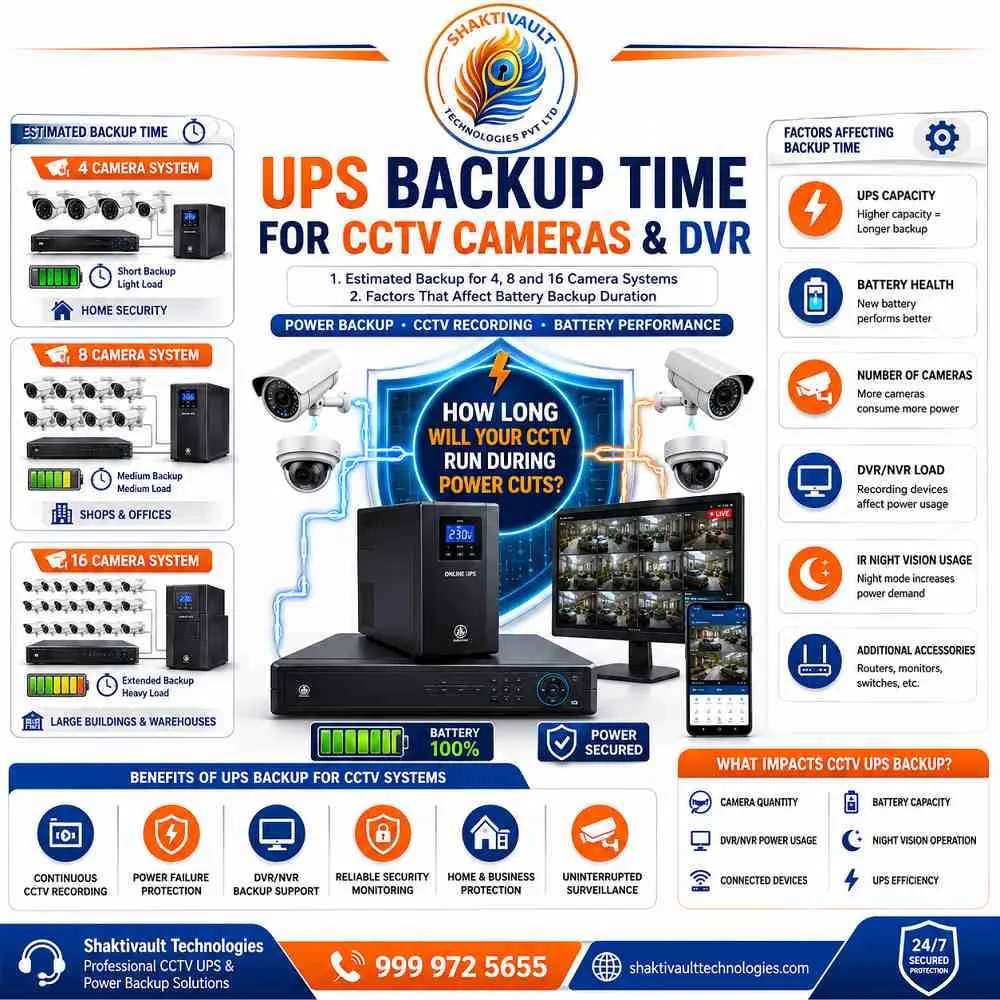
Estimated Backup for 4, 8 and 16 Camera Systems
A 1500VA UPS can usually power a 4-camera CCTV system for up to 24 minutes. It can power an 8-camera system for about 8 to 18 minutes. For a 16-channel setup with 8 cameras at 5.5W each and an NVR at 25W, a 1500VA UPS helps.
A unit with two 9Ah/12V batteries can provide about 2.5 hours of backup. This is usually enough for most power interruptions. A 100W total load provides about 40 minutes of backup. A 200W load reduces this to about 17 minutes on a 1000VA/600W unit.
Factors That Affect Battery Backup Duration
Several factors reduce backup time. These include battery age and health, ambient temperature, cable gauge and length, and connected devices. A battery that has not been serviced or replaced for years may run for much less time than rated. Always include a buffer when sizing your UPS. Never connect non-CCTV devices, like monitors or computers, to backup outlets. This reduces backup time for your cameras and recorder.
Installation and Maintenance Tips
A UPS is only as reliable as its installation and upkeep. Following best practices from day one extends equipment life. It also ensures the backup works when you need it.
Best Practices for UPS Installation
Connect all CCTV cameras, the DVR or NVR, and any PoE switches to the UPS battery outlets only. Do not use the surge-only outlets. After installation, simulate a power outage. Verify that all cameras and the recorder keep running on battery power. Read the setup instructions carefully, as outlet configurations vary between models. For rack-mounted systems, ensure adequate space and check power plug configurations before installation.
Battery Care and Regular Maintenance
Check the UPS battery periodically to confirm it is holding a charge correctly. Most UPS batteries need replacement every 3 to 5 years. Timing depends on use and the environment. Some advanced line-interactive models include battery management technology. This extends battery life and gives early warning of battery failure. Keep the UPS in a cool, well-ventilated area to prevent overheating. Overheating can greatly reduce battery lifespan.
Common UPS Problems and Troubleshooting
Even a well-maintained UPS can develop issues over time. If you know the most common problems, you can fix them fast and reduce downtime.
UPS Not Providing Backup
If your cameras and DVR shut down during a power cut, check your UPS connections first. Make sure all devices use the battery-backup outlets, not the surge-only outlets. Verify the total load does not exceed the UPS capacity. Also confirm the battery is fully charged. A new or long-dormant UPS may need several hours to charge fully. This helps it provide the rated backup time.
Battery Replacement and Performance Issues
Shortened backup time is the first sign of a battery nearing the end of its life. If your UPS once provided 20 minutes of backup but now lasts only a few minutes, you likely need a new battery. An offline UPS in an area with frequent voltage changes will switch to battery mode more often. This causes faster battery wear. This is one reason a line-interactive UPS with AVR is preferred in electrically unstable areas. Always replace batteries with the manufacturer-recommended specifications.
Conclusion
Choose the Best UPS Backup Solution for Reliable 24/7 CCTV Surveillance
A UPS backup is the most important investment to protect your CCTV system after the cameras. It prevents recording gaps during power cuts. It protects costly DVR and NVR equipment from voltage damage. It keeps your property monitored around the clock, even during long power outages. Whether you have a 4-camera home setup or a 16-camera business installation, there is a UPS sized for you.
Get the Best Price — Call Shaktivault Technologies Today!
Shaktivault Technologies is your trusted CCTV and UPS partner in Gurgaon. We also serve customers across Delhi NCR. Our experts will review your camera count, power needs, and backup needs. We will recommend the right UPS at the best available price. This helps keep your surveillance system online.
☎ Call us now: +91 – 981 094 0561 | Shaktivault Technologies — Best Price, Expert Installation, 24/7 Support
FAQs – Best UPS Backup Solutions for CCTV Cameras and DVR Systems
What does a UPS do for my CCTV system?
A UPS provides battery backup and power conditioning. It helps cameras, PoE switches, and DVRs/NVRs keep recording during power cuts and voltage swings.
Do I need a UPS for home CCTV in Gurgaon?
Yes. In Gurgaon, frequent outages and voltage swings can cause recording gaps and damage equipment. A UPS helps prevent both.
How do I size a UPS for my CCTV setup?
Add the wattage of all cameras, PoE switches, and the recorder, then choose a UPS rated 20–25% higher. For quick guidance: 4 cameras ≈ 600VA, 8 cameras ≈ 1000VA, 16 cameras ≈ 1500VA.
Which UPS type is best: offline, line-interactive, or online?
Home and small offices: line-interactive with AVR. Large commercial or critical sites: use online (double-conversion) for zero transfer time and maximum protection.
How long will a UPS keep my cameras running?
Backup time depends on battery capacity and load. Typical example: a 1500VA unit gives about 8–24 minutes, depending on the load. Longer runtimes need external battery packs.
Can I plug monitors or other devices into the UPS?
Avoid non-CCTV devices on battery-backed outlets. Extra loads increase backup time for cameras and recorders. Use surge-only outlets only for noncritical gear.
How often should UPS batteries be replaced or maintained?
Check batteries regularly; replace every 3–5 years depending on use and environment. Keep the UPS cool and well-ventilated.
After installation, test it by simulating a power outage.